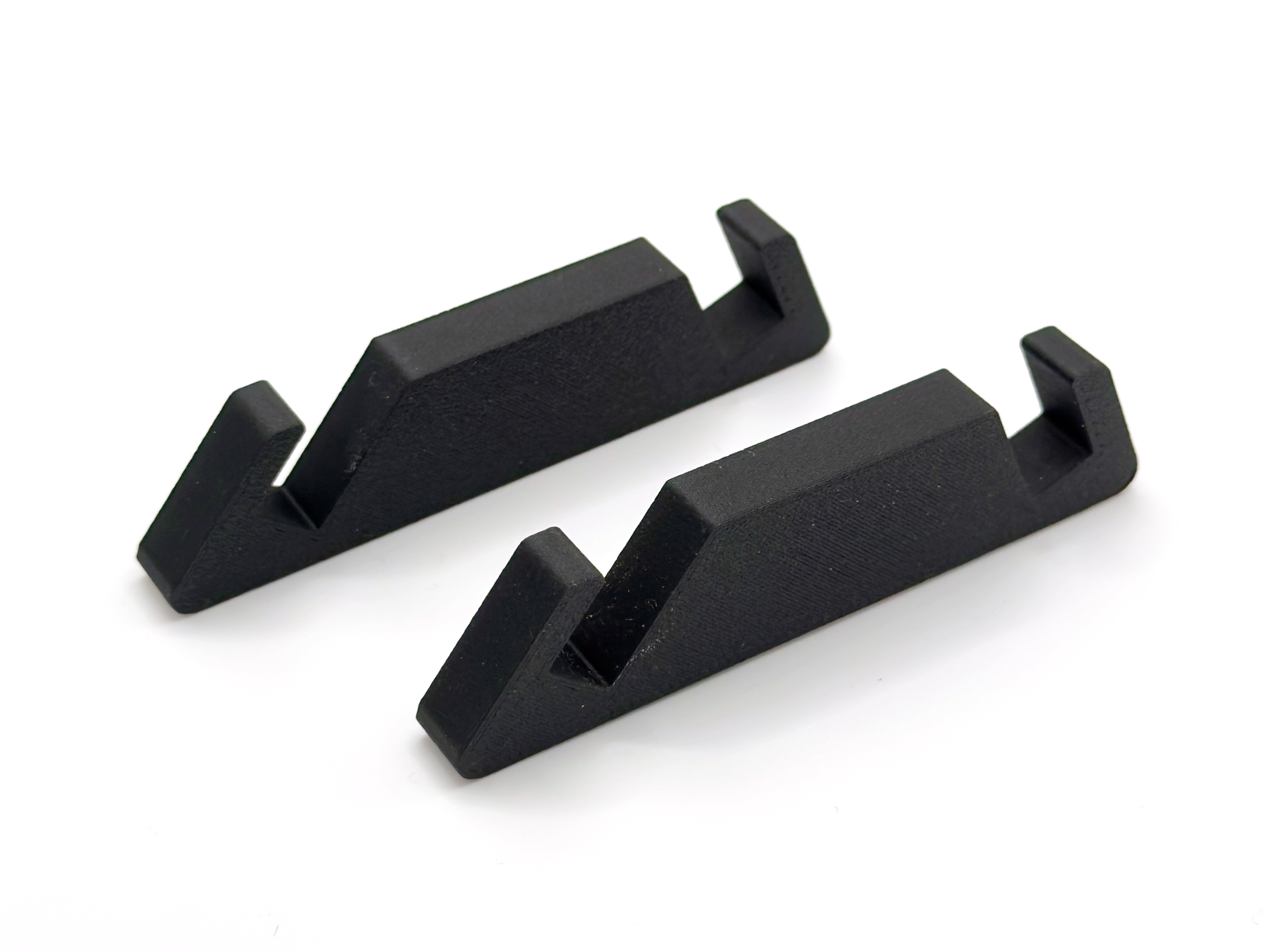
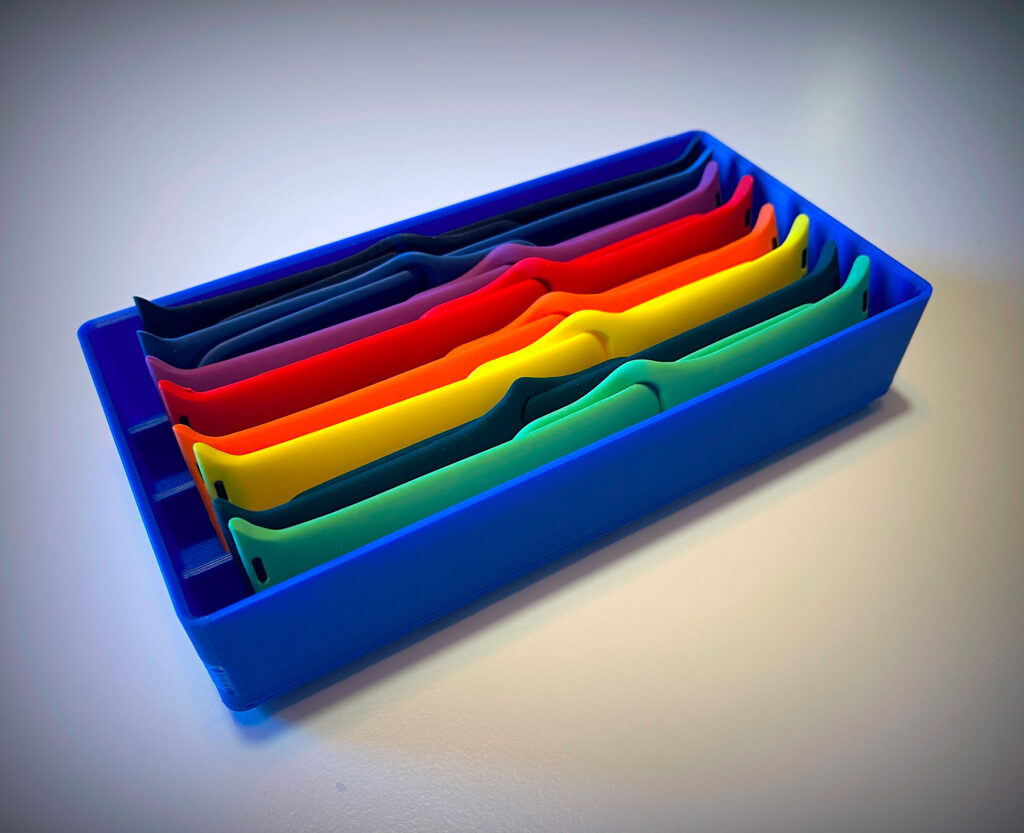
I created this Gridfinity-based container because because I had so many iWatch bands that I no longer knew where to store them without them constantly getting mixed up.
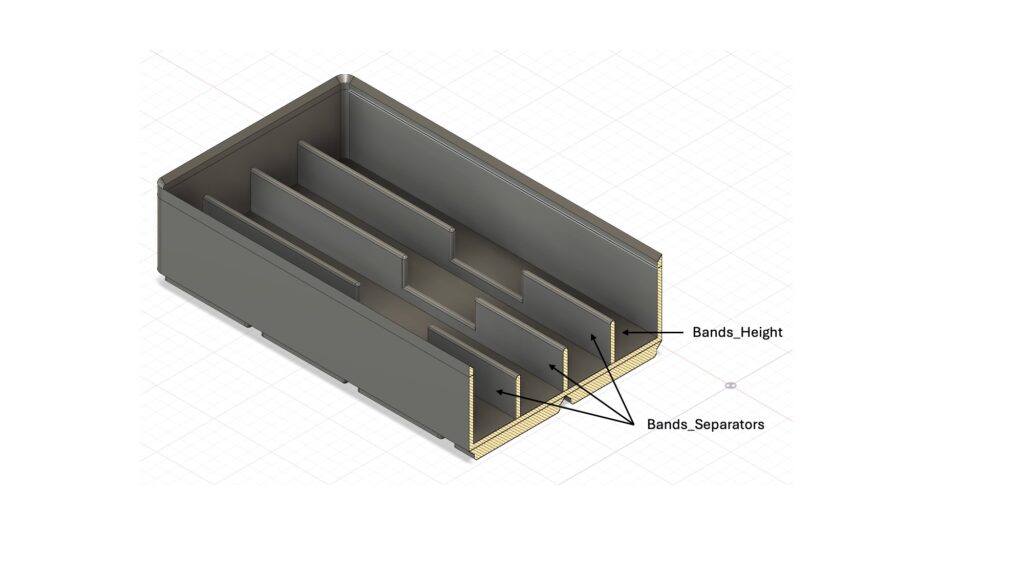
I decided to design it so that it would be possible to parameterize both the number of dividers and their maximum height.
As usual, I started from this template creating a 2×4 blocks container and then I added my customizations.
How to Parameterize the Model
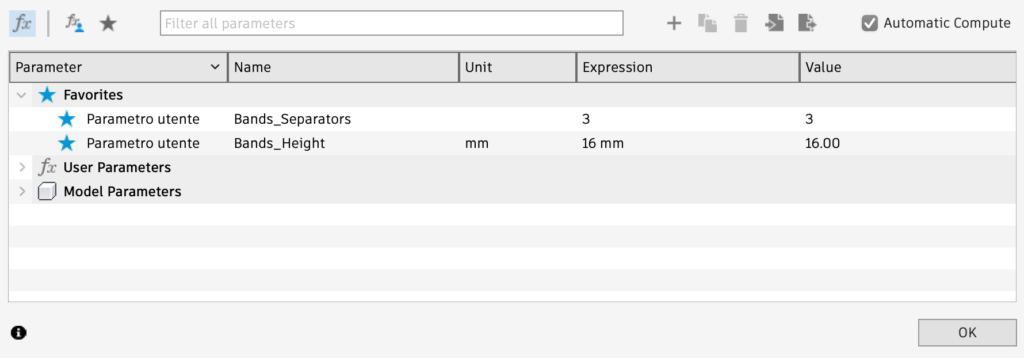
The model design was created using Adobe Fusion 360 and is configurable using the “Modify/Change Parameters” function in Fusion 360.
The available parameters are as follows:
| Parameter | Meaning |
|---|---|
| Bands_Separators | Number of dividers to create, automatically spaced to be equidistant. |
| Bands_Height | The height of each band. |
File download
From the links below, you can download:
- The model template in Fusion 360 format
- A single 3MF file created with default parameters
[wpdm_package id=’2587′ template=’link-template-default-nl’]
[wpdm_package id=’2586′ template=’link-template-default-nl’]